What Is a Digital Wallet and How Does It Work?
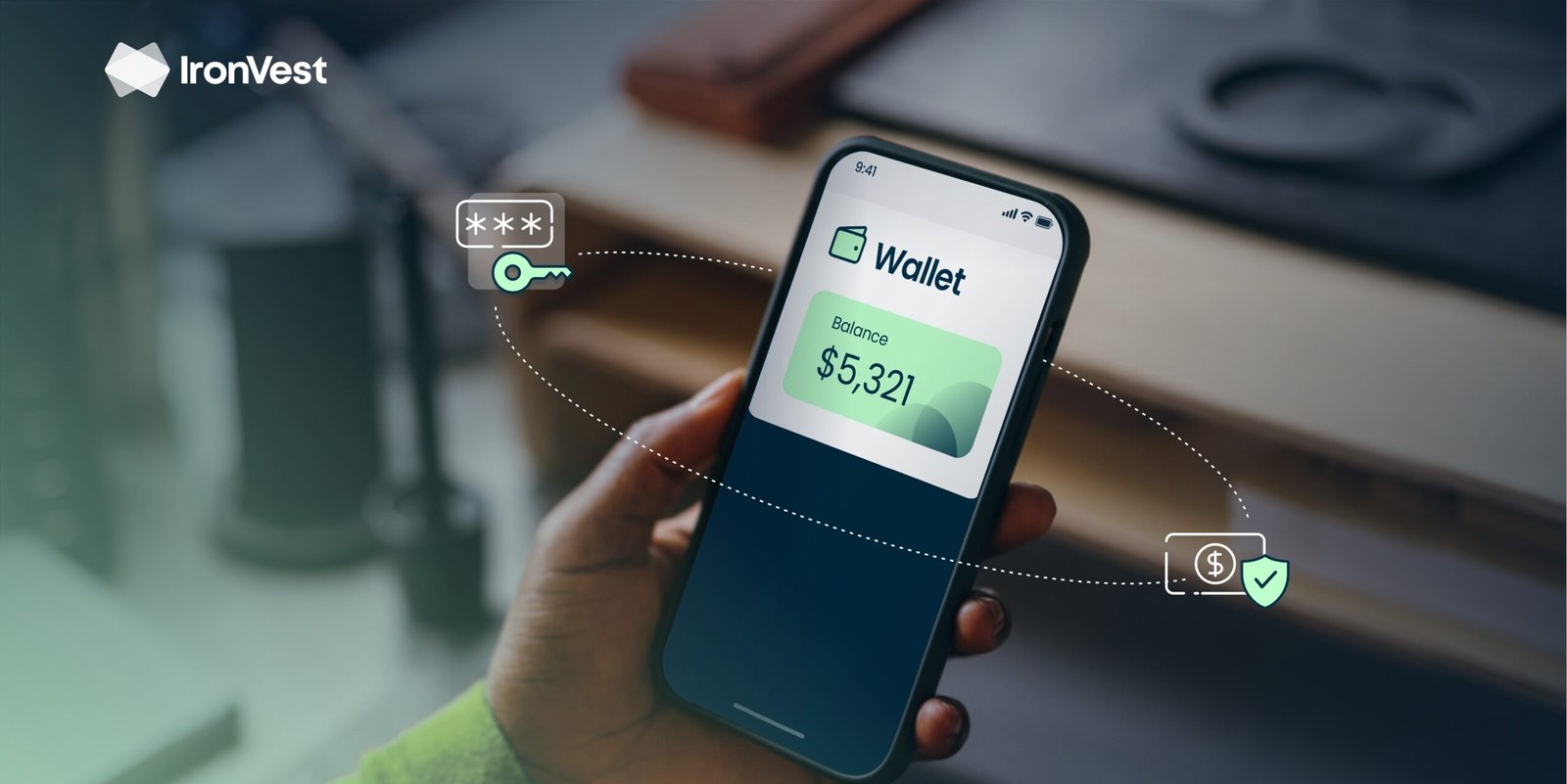
If you’ve ever paid in a store by tapping your phone, sent money instantly to a friend, or stored a credit card inside an app without pulling out your wallet, you’ve already interacted with a digital wallet — even if you didn’t fully understand what was happening behind the scenes.
From my observation, the biggest confusion people have isn’t what a digital wallet is — it’s how it actually works, where the money sits, and whether it’s truly safe. Many users assume a digital wallet is “just an app,” when in reality, it’s a financial access layer that connects identity, payment credentials, encryption, and authorization systems in real time.
This article breaks it all down — clearly, practically, and without tech jargon — so you understand exactly what a digital wallet does and when it makes sense to use one.
TL;DR: The 30-Second Expert Verdict
A digital wallet is a secure software system that stores your payment credentials (not your actual money) and allows you to pay, send, or receive funds electronically. It works by encrypting your card or bank details, verifying your identity, and authorizing transactions instantly through payment networks. When used correctly, digital wallets are often safer than physical cards.
Why Digital Wallets Confuse So Many People
I’ve seen the same misunderstanding repeated again and again:
People think a digital wallet holds money like a bank account.
In reality, most digital wallets do not store money themselves. They act as a secure bridge between you and your financial institutions. That distinction matters — especially for security, fees, and dispute resolution.
This article solves three core frustrations:
- Where your money actually is
- How a digital wallet processes payments
- Whether digital wallets are safer than cards or cash
What Exactly Is a Digital Wallet?
A digital wallet is a software-based payment tool that securely stores your financial credentials and enables electronic transactions.
Instead of handing over your physical card, the wallet:
- Stores encrypted versions of your card or bank details
- Uses authentication methods (biometrics, passcodes)
- Sends a tokenized transaction request to payment networks
Your real card number is rarely exposed during a transaction.
Authoritative reference: The Consumer Financial Protection Bureau explains how digital payment systems store credentials rather than actual funds in most consumer wallets.
https://www.consumerfinance.gov
What a Digital Wallet Is NOT
To avoid confusion, here’s what a digital wallet does not do by default:
- It does not automatically replace your bank
- It does not mean your money is stored inside your phone
- It does not bypass payment networks
- It does not eliminate fees set by banks or card issuers
Understanding this prevents unrealistic expectations and costly assumptions.
How a Digital Wallet Works (Step by Step)
Here’s the real process, simplified:
Step 1: Credential Storage
When you add a card or account, the wallet:
- Encrypts the data
- Converts it into a token (a substitute number)
- Stores it securely on your device or in a protected cloud vault
Your actual card number is never reused in plain form.
Step 2: Identity Verification
Each transaction requires proof that you are initiating it:
- Fingerprint
- Face recognition
- Passcode or device unlock
This adds a security layer that physical cards lack.
Step 3: Transaction Authorization
When you pay:
- The wallet sends the token to the payment network
- The network routes it to your bank
- The bank approves or declines the transaction
All of this happens in seconds.
Step 4: Settlement
Funds move from your bank to the merchant through standard clearing systems — exactly like card payments.
Authoritative reference: The Federal Reserve outlines how electronic payments clear and settle through payment networks.
https://www.federalreserve.gov
Where Is Your Money Actually Stored?
This is the most misunderstood part.
| Wallet Type | Where the Money Lives |
|---|---|
| Card-based wallets | Your bank or card issuer |
| Bank-linked wallets | Your checking account |
| Stored-value wallets | Wallet provider (limited cases) |
Most popular digital wallets do not custody your funds. They only store permission to access them.
Decision Table: Digital Wallets — Do vs Don’t
| Do | Don’t |
|---|---|
| Use device lock + biometrics | Use wallets on unsecured phones |
| Enable transaction alerts | Ignore security notifications |
| Update apps regularly | Use outdated wallet versions |
| Treat wallet like a card | Assume wallet removes all fees |
| Review transaction history | Share devices without protection |
This table helps users decide how to use digital wallets safely — not just whether to use them.
Why Digital Wallets Are Often Safer Than Physical Cards
From what I’ve observed across fraud cases and consumer disputes, digital wallets reduce risk in three major ways:
1. Tokenization
Merchants never see your real card number.
2. Biometric Authentication
A stolen phone alone isn’t enough to complete payments.
3. Limited Exposure
Even if a merchant is compromised, the token becomes useless elsewhere.
This is why many banks now encourage wallet-based payments over physical swipes.
Authoritative source: The National Institute of Standards and Technology (NIST) highlights tokenization as a key payment security mechanism.
https://www.nist.gov
Common Mistakes People Make With Digital Wallets
I’ve consistently seen these errors increase risk or confusion:
- Assuming refunds work instantly
- Believing wallet providers control disputes
- Not understanding wallet transaction limits
- Treating wallets as anonymous tools
Digital wallets follow the same financial rules — just with a faster interface.
When a Digital Wallet Makes the Most Sense
Digital wallets work best when:
- You want fast, contactless payments
- You value security over convenience alone
- You manage multiple cards or accounts
- You frequently send or receive money digitally
They are tools — not replacements for financial literacy.
My Personal Recommendation: Who This Is For — and Who Should Skip It
This is ideal for:
- Everyday shoppers
- Online payment users
- People concerned about card fraud
- Mobile-first users
You may skip or limit use if:
- You prefer cash-only systems
- You avoid mobile banking entirely
- You use very old devices without security updates


Post Comment